

💡 If you’ve ever tried running generative image models locally and your machine sounded like a Boeing turbine spooling up before crashing into an out-of-memory (OOM) error, take a deep breath. You are not alone, and your graphics card isn’t obsolete. You’ve simply been piloting a Ferrari using a bicycle handlebar.
⚡ In 30 Seconds (TL;DR)
– The Problem: Conventional cloud generation tools charge per click and hide the dials that truly matter inside inefficient black boxes.
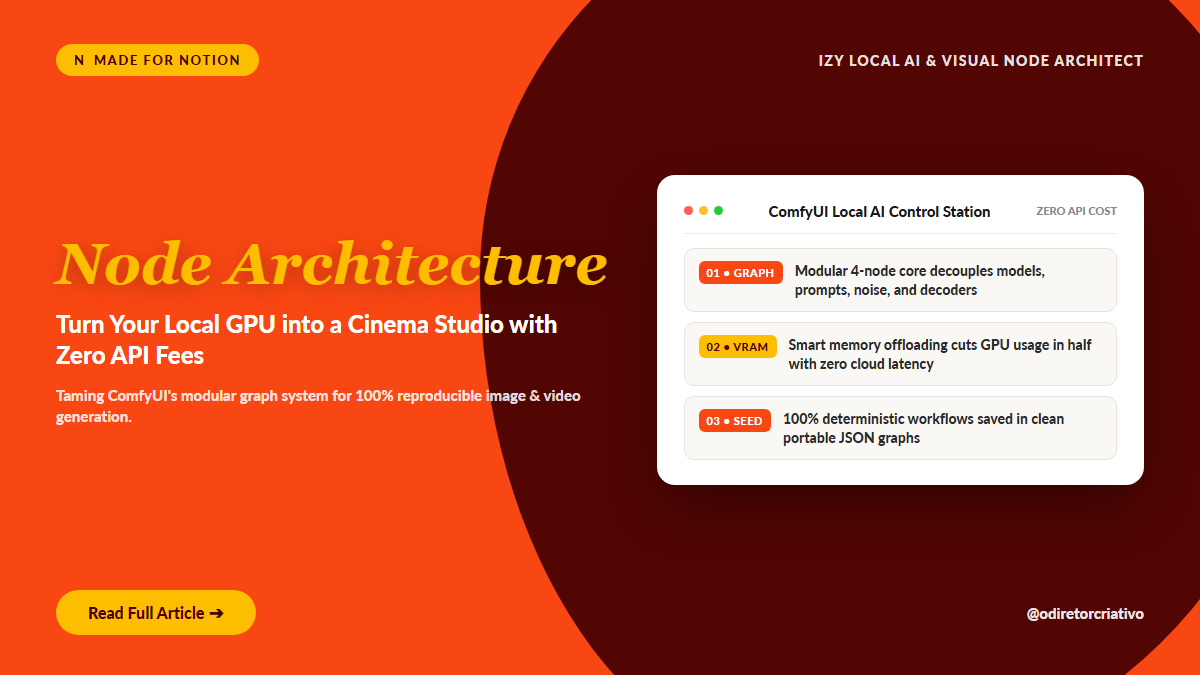
– The Breakthrough: ComfyUI treats every generation step (model weights, text conditioning, latent noise, decoding) as an independent modular block, slashing VRAM usage in half.
– The Outcome: Millimetric control over every pixel, 1-click reproducible workflows, and zero monthly API subscriptions weighing on your overhead.
1. Why Does Everyone Talk About Nodes Now?
For years, web interfaces conditioned us to believe generative AI was simply typing an adjective in a search box and clicking ‘Generate’. That works fine for funny internet memes. But when a creative agency or studio needs consistent characters, controlled lighting angles, and zero cloud latency, that black box becomes an expensive trap. Generative AI is not magic. It is a precise mathematical sequence of pipeline stages: When you hide that entire pipeline under a generic prompt box, you surrender the power to intervene exactly where quality is decided.
2. The Modular Secret Behind ComfyUI
Unlike older web UIs that load massive models into VRAM all at once, ComfyUI executes as a directed acyclic graph (DAG). It only runs the specific node that changed. If you tweak your text prompt, it does not re-read gigabytes from your SSD: it reuses cached memory. The result? You run cutting-edge models like SDXL and Flux on consumer hardware without breaking your machine.
Here is the core mechanism: Every clean neural image generation follows four mandatory mathematical milestones:
- Load neural weights into GPU memory (
Load Checkpoint). - Translate natural text into mathematical coordinates inside latent space (
CLIP Text Encode). - Inject static noise and iteratively denoise the tensor with a mathematical solver (
KSampler). - Decode abstract vectors back into standard pixels for human eyes (
VAE Decode).
When you orchestrate these stages independently, you stop guessing and begin directing generation like a sound engineer mixing tracks. And that is precisely where the ComfyUI modular architecture changes the game.

Let’s break down each core node in the standard studio circuit:
- Load Checkpoint: The central repository holding model weights (SDXL, Flux, SD1.5). It provides the core model, text encoder (
CLIP), and visual decoder (VAE). - CLIP Text Encode: The semantic translator. It receives your prompt string and instructs the neural network which conceptual tokens to assemble in latent space.
- KSampler (The Engine): The computational engine. It carves the latent image step-by-step out of random gaussian noise, honoring the designated
seed,steps, andCFG scale. - VAE Decode: The bridge back to reality. It decodes multidimensional latent math into crisp 16-bit PNG pixels ready for grading and delivery.
The practical outcome? You gain total authority over each node, allowing you to swap samplers, inject LoRAs, or attach ControlNets without reloading the underlying model.
3. The Old Way vs The Smart Way
Here is the honest contrast between renting cloud platforms and running sovereign local node architecture:
☕ Friend Alert: The VRAM Trap
Buying a flagship GPU won’t save you if your workflow loads four massive LoRAs simultaneously into unoptimized memory buffers.
Always keep
ComfyUI Manageractive and monitor your VRAM allocation curve before stacking multiple post-processing passes.
- Denoise at 1.0: Complete recreation from scratch. Ignores previous composition entirely.
- Denoise at 0.35 to 0.50: Ideal for high-res upscaling and textural detailing without altering anatomical proportions.
- Euler vs Karras: Euler a creates fast, energetic variations; DPM++ 2M Karras delivers hyper-clean photographic gradients in 25 steps.
- CFG Scale Caution: Keep CFG between
4.5 and 7.0on modern architectures to avoid burned highlights and overcooked edges.
4. Connecting the Tech to Real-World Production
Mastering local neural nodes is liberating, but managing dozens of .json workflow files, checkpoint downloads, and custom node repos can turn into messy clutter. Without a disciplined system, creative directors waste more time debugging broken dependencies than actually rendering high-value visual assets. That friction led directly to the creation of the Izy Local AI & Visual Node Architect: an executive Notion system designed to catalog production blueprints, track benchmarked checkpoints, and manage GPU resources without spreadsheet chaos. It pairs perfectly with Google Notebook to synthesize research logs, terminal commands, and studio prompt playbooks into one sovereign hub.
📋 Practical Checklist to Get Started Today
- [ ] Install ComfyUI standalone or via git clone onto your fastest NVMe SSD.
- [ ] Download a consolidated checkpoint and place it inside
models/checkpoints/. - [ ] Build your first 4-node basic pipeline (Checkpoint -\> CLIP -\> KSampler -\> VAE).
- [ ] Save your production workflow by dragging the generated
.jsoninto your template. - [ ] Document prompt seeds and generation metadata for 100% reproducible client assets.
💬 What’s Happening in Your Setup: Nodes or Traditional Prompts?
Have you already migrated your daily pipeline to local nodes, or are you still paying recurring cloud API fees for black-box image generators? Leave your experience in the comments below. I read and personally reply to every studio setup reflection.
🚀 Next Step
If you want to stop burning cash on cloud API credits and build an executive local generative studio on your workstation: 👉 Discover the Izy Local AI & Visual Node Architect